 PawO
AI Pet Portrait Video Generator – Magazine Cover
A portrait with star power.
Turn a pet photo into a short, animated magazine cover. The Pet Editorial effect adds a styled scene, props and cover lettering around your pet.
Try with a photo35 credits for Pet Editorial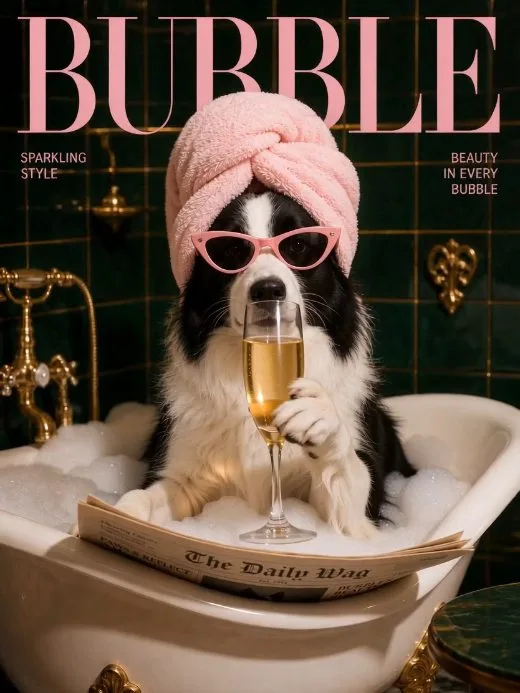
Give their photo an editorial look
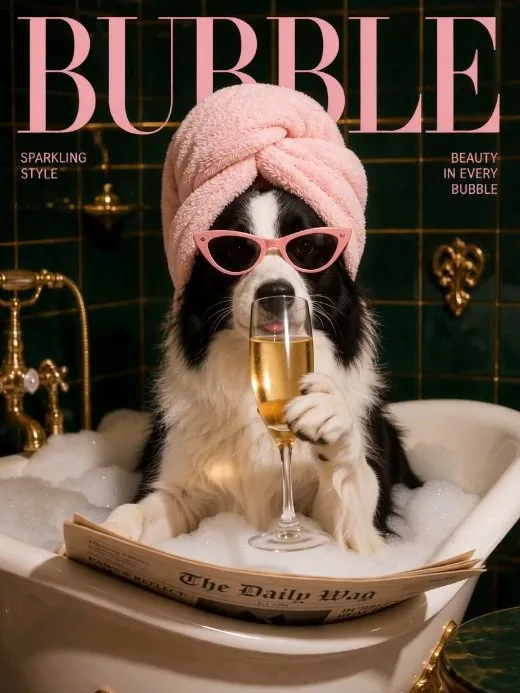
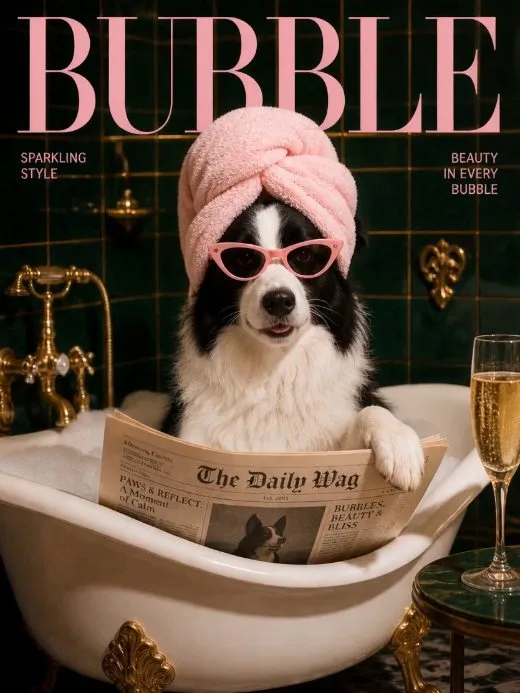
The Pet Editorial example shows a dog in a styled bath scene with BUBBLE magazine lettering. Start with a sharp close-up of your pet. The effect supplies the cover styling and props.
Create an editorial pet portrait video
Bubbles & Leisure, Pamper Your Pet
JPEG, PNG or HEIC, up to 20 MiB
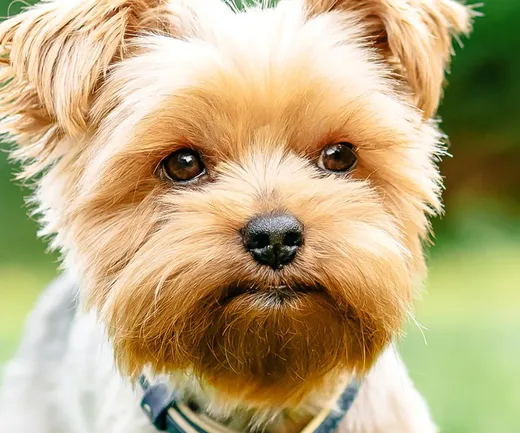
Use a portrait with the eyes in focus and the face well lit. A plain background helps keep the attention on your pet’s expression.
How it works
Find a clear photo
Use a portrait with the eyes in focus and the face well lit. A plain background helps keep the attention on your pet’s expression.
Choose an effect
Watch the example to see how the effect moves, then select an effect for your pet.
Review and create
Sign in to review the credit cost and confirm your video. Find the result in Creations when it’s ready.
A few things you might wonder.
Do I need an account to explore?
Browse every public template without signing in. Sign in to create and keep your personal collection.
How do credits work?
Each template shows its cost before you confirm. Credits are reserved while a creation is processing. Your account shows your available and reserved balance.
What kind of photo should I choose?
A clear photo of one pet, with an unobstructed face. A full-body photo helps for dance templates. Use JPEG, PNG or HEIC, up to 20 MiB.
Can I leave while my creation is processing?
Yes. Your creation continues processing. Open Creations to check its status and see the finished result.